构建高性能Nginx服务器!
!!📢前言!!
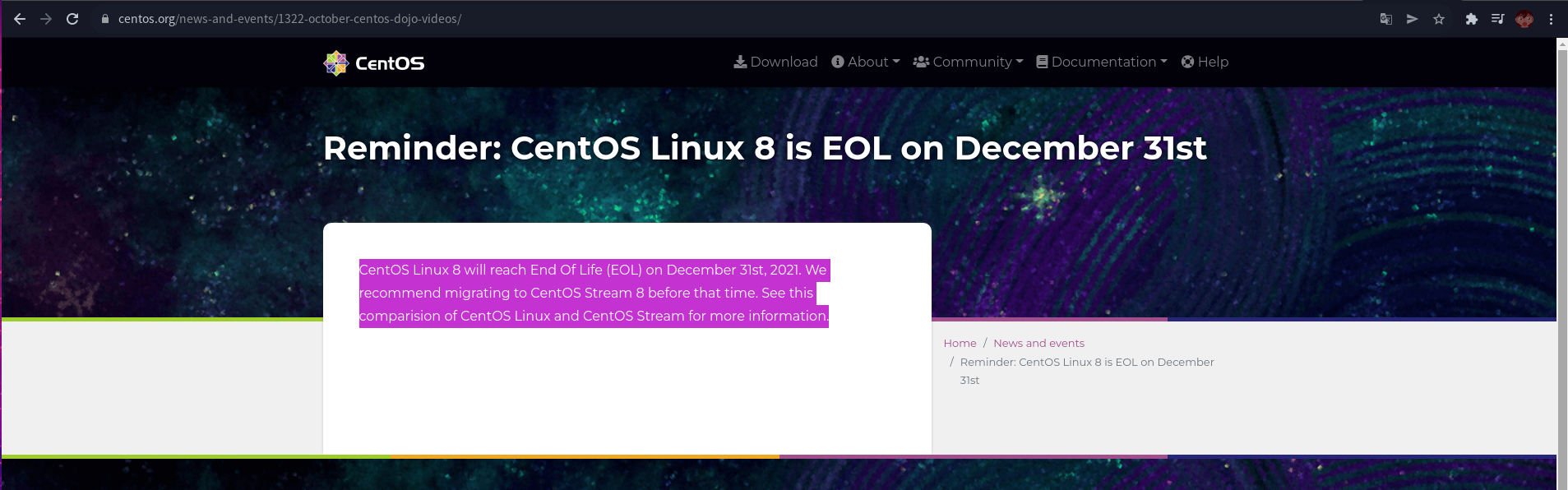
Centos生命已终结,至此后,不再会使用Redhat系发行版,生产服务器将使用Debian,9系,10系,以及最新稳定版;
个人PC机将使用Arch Linux,作为主力,且所有软件永远保持最新!
为什么不是使用包管理器?
- 0, 包管理器安装的软件面向的是所有amd64架构的计算机,并非针对本机做优化.
- 1, 使用包管理器安装的软件缺乏高可定制性.
- 2, 不能按需,安装,源里面有什么就安装什么,安装的版本也比较低.
- 3, 使用包管理器安装的软件安装路径由打包者决定,且用户无法干预.
编译安装的软件优点!
- 优点 自由,一切都可定制…
- 优点 软件运行效率更高,…
- 优点 解决不必要的软件间依赖…
- 优点 根据用户需要,灵活定制软件功能,…
- 优点 获得最新的软件版本,及时修复bug,…
构建编译环境.
#--修改Debian10国内软件源;
deb https://mirrors.ustc.edu.cn/debian bullseye main contrib non-free
deb https://mirrors.ustc.edu.cn/debian bullseye-updates main contrib non-free
deb https://mirrors.ustc.edu.cn/debian bullseye-proposed-updates main contrib non-free
deb-src https://mirrors.ustc.edu.cn/debian bullseye main contrib non-free
deb-src https://mirrors.ustc.edu.cn/debian bullseye-updates main contrib non-free
deb-src https://mirrors.ustc.edu.cn/debian bullseye-proposed-updates main contrib non-free

apt-get update
#--安装编译环境;
apt-get -y install build-essential使用Sed修改Nginx源代码,隐藏Web服务器特征.
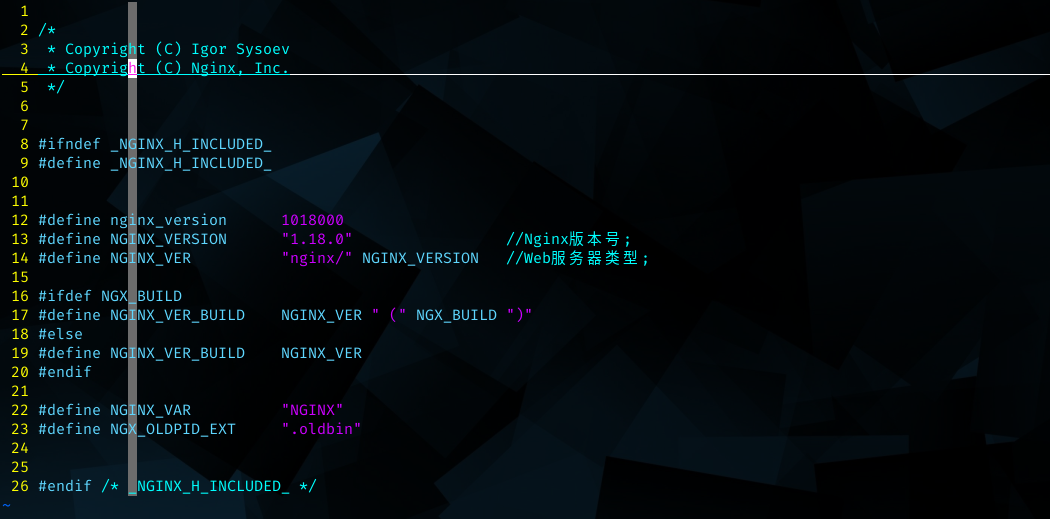
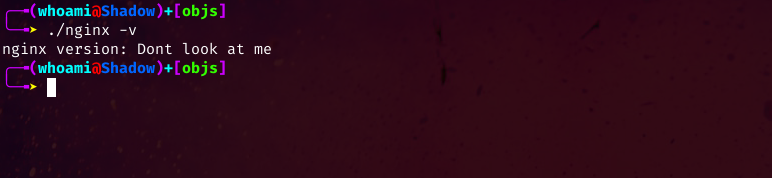
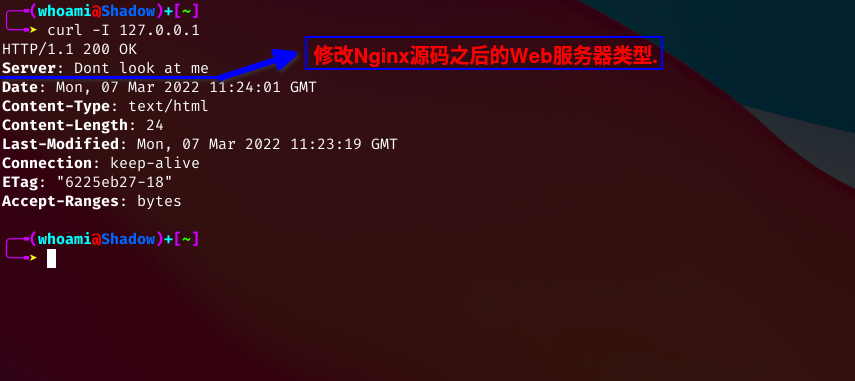
sed -i 's/#define NGINX_VERSION.*/#define NGINX_VERSION      "88888888"/g' ./nginx-1.18.0/src/core/nginx.h
sed -i 's/#define NGINX_VER.*NGINX_VERSION/#define NGINX_VER          "Dont look at me"/g' ./nginx-1.18.0/src/core/nginx.h
修改前.
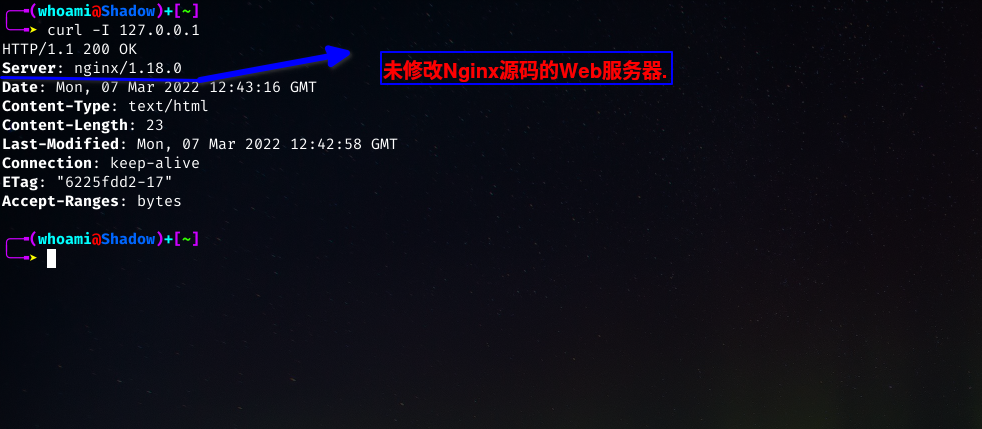
修改后.

推荐的一般编译参数.
./configure \
--user=www \                            #指定用户;
--group=www \                           #指定组;
--prefix=/opt/nginx \                   #安装目录;
--sbin-path=/usr/local/sbin \           #可执行文件目录;
--conf-path=/usr/local/etc/nginx \      #Nginx配置文件;
--pid-path=/opt/nginx/logs/nginx.pid \  #Nginx PID文件目录;
--with-pcre=../pcre-x.xx \              #pcre库源码位置;
--with-zlib=../zlib-x.x.xx \            #zlib库源码位置;
--with-openssl=../openssl-x.x.xg \      #openssl库源码位置;
--with-openssl-opt='enable-weak-ssl-ciphers' \  #编译OpenSSL源码时希望加入的编译选项;
--with-http_ssl_module \                #添加SSL模块;
--with-http_flv_module \                #添加flv模块;
--with-http_stub_status_module \
--with-http_v2_module \                 #添加http v2支持;
--with-http_sub_module \
--with-stream \                         #Nginx 4层代理转发功能;
--with-stream_ssl_module \              #Nginx 4层代理转发SSL支持;
--with-file-aio \                       #使用aio提升I/O性能;
--with-stream=dynamic \
--with-pcre-jit \
--with-http_realip_module \
--with-http_auth_request_module \
--with-http_dav_module  \
--with-http_slice_module \
--with-threads \
--with-http_addition_module \
--with-http_gunzip_module \
--with-http_gzip_static_module #启用gzip压缩;通用的编译参数.
./configure \
--user=www --group=www \
--prefix=/usr/local/nginx \
--pid-path=/usr/local/nginx/logs/nginx.pid \
--with-pcre=../pcre-8.42 \
--with-zlib=../zlib-1.2.11 \
--with-openssl=../openssl-1.1.1g \
--with-openssl-opt='enable-weak-ssl-ciphers' \
--with-http_gzip_static_module \
--with-http_ssl_module \
--with-http_realip_module \
--with-http_addition_module \
--with-http_dav_module \
--with-http_flv_module \
--with-http_mp4_module \
--with-http_gunzip_module \
--with-http_random_index_module \
--with-http_secure_link_module \
--with-http_auth_request_module \
--with-http_slice_module \
--with-http_stub_status_module \
--with-http_v2_module \
--with-http_sub_module \
--with-stream \
--with-stream_ssl_module \
--with-file-aio \
--with-ipv6 \
--with-threads \
--with-mail \
--with-mail_ssl_module
编译,并安装;
make V=99 -j $(nproc)
make install >install.log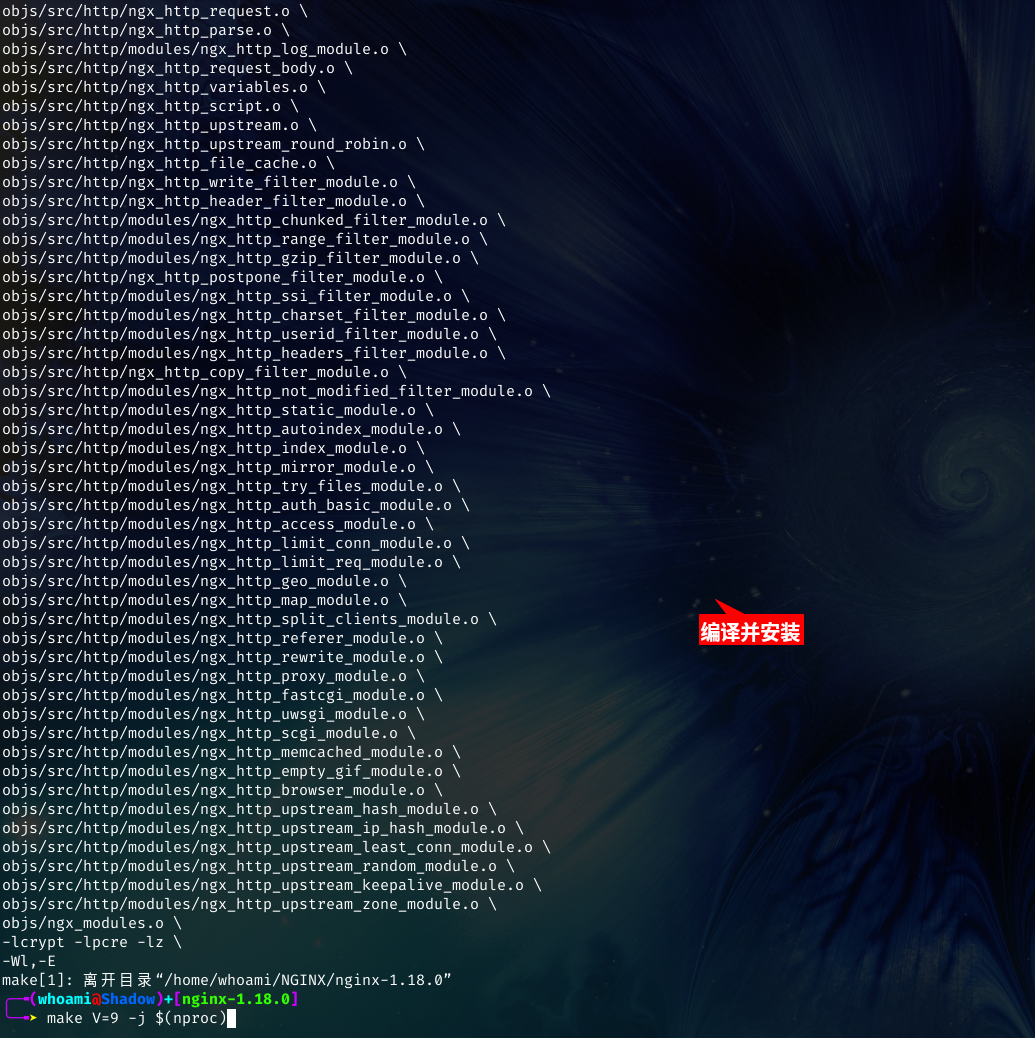
配置Nginx,systemd服务;
cat >/etc/systemd/system/nginx.service<<EOF
[Unit]
Description=The NGINX HTTP and reverse proxy server
After=network.target remote-fs.target nss-lookup.target

[Service]
Type=forking
PIDFile=/opt/nginx/logs/nginx.pid
ExecStart=/usr/local/sbin/nginx -c /usr/local/etc/nginx/conf/nginx.conf
ExecReload=/usr/local/sbin/nginx -s reload
ExecStop=/bin/kill -s QUIT \$MAINPID
PrivateTmp=false

[Install]
WantedBy=multi-user.target
EOF

systemctl daemon-reload