RedMi AX6无线路由器破解教程!(仅围绕Linux平台)
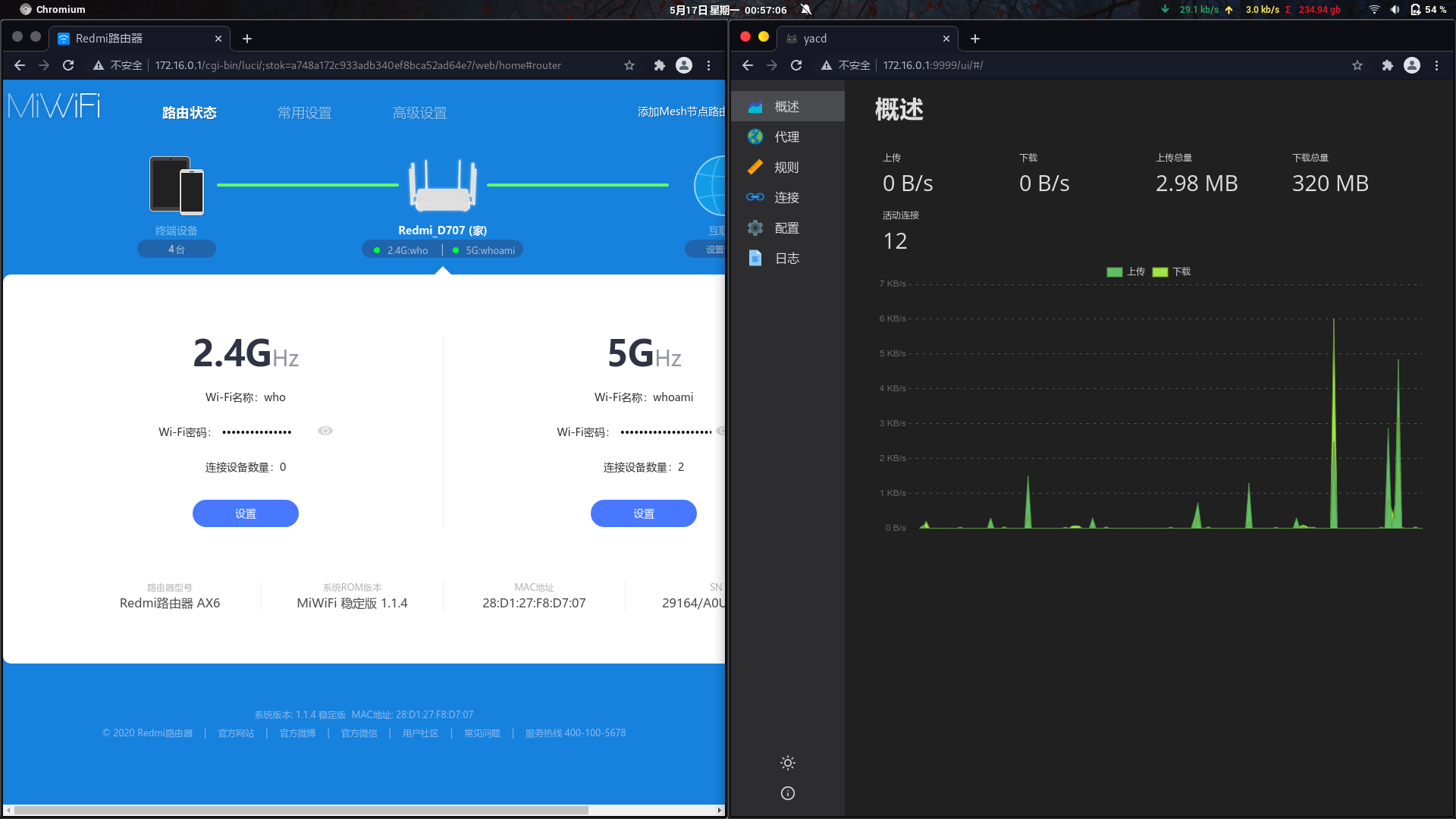
先看一波硬件配置.



正式开始破解.
必需的硬件设备.
树梅派3B+

TF卡>1GB;

0,降级AX6固件,
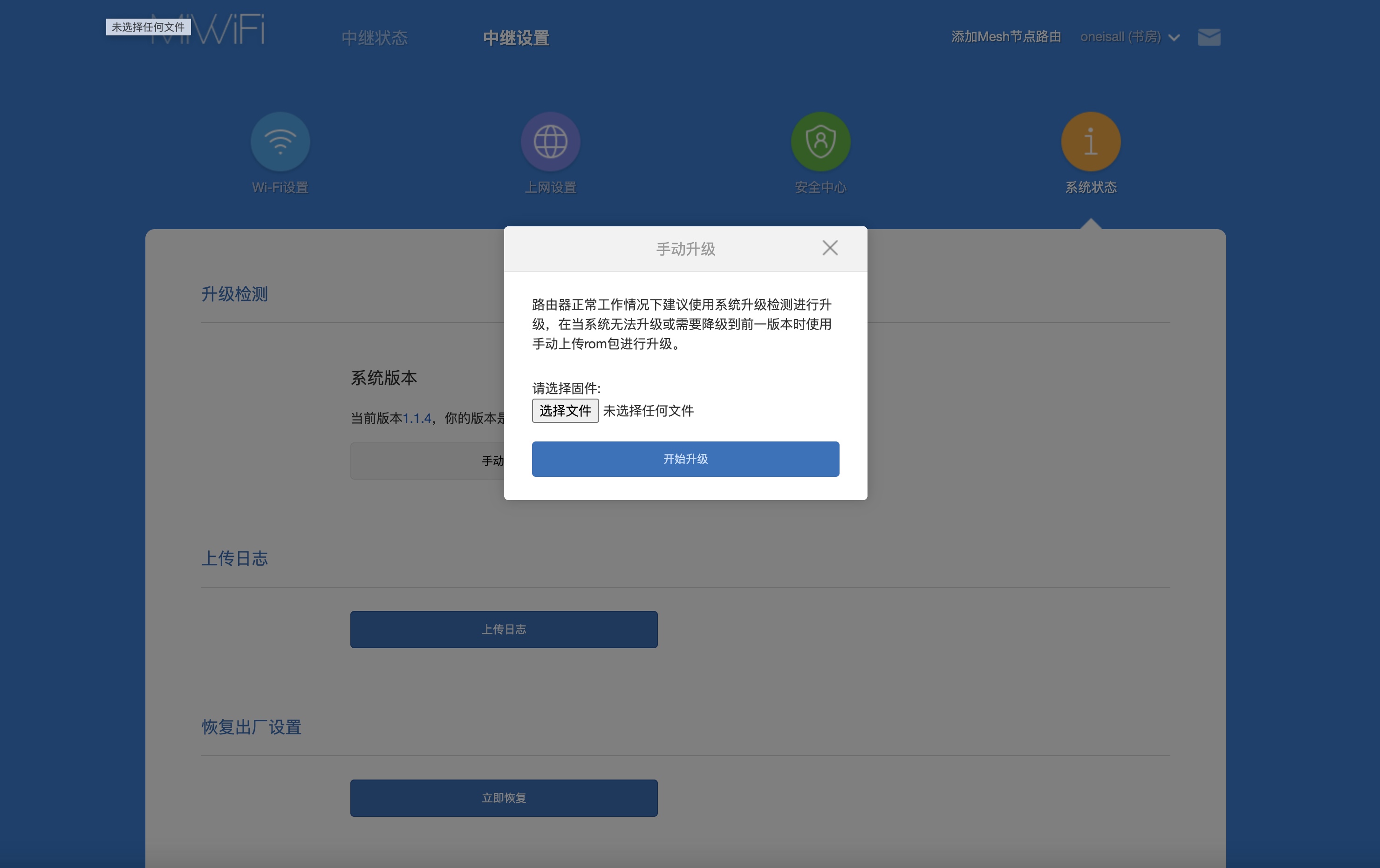
本地计算机端执行
wget https://github.com/wo2ni/AX6/releases/download/v0.1/miwifi_ra69_firmware_45a77_1.0.18.bin1,下载Raspberry3B+ Openwrt系统,并烧录至TF卡中.
本地计算机端执行
wget https://mirrors.tuna.tsinghua.edu.cn/openwrt/releases/19.07.2/targets/brcm2708/bcm2710/openwrt-19.07.2-brcm2708-bcm2710-rpi-3-ext4-factory.img.gz
dd if=openwrt-19.07.2-brcm2708-bcm2710-rpi-3-ext4-factory.img of=/dev/sd? #sd?为你的TF卡;2,使用Openwrt开启辅助WiFi.
树梅派端执行
mkdir /root/.cp-files       #建立文件备份目录;
cp -vr /etc /root/.cp-files     #备份原配置目录;
uci set wireless.@wifi-device[0].disabled=0; uci commit wireless; wifi      #enable无线;
reboot #重启;树梅派端执行此脚本会生成特殊的WiFi热点辅助破解AX6;
cat << EOF > /root/wireless.sh
#!/bin/ash

#--树梅派3B+ Openwrt,辅助助开启AX6 ssh;

info_font="\033[36m[Info]\033[0m"
success_font="\033[32m[Success]\033[0m"
warning_font="\033[33m[Warning]\033[0m"

printf "${warning_font} 请确保您的路由器具有无线支持!\n"
printf "${warning_font} 请确保您的路由器已还原为出厂设置(未配置)!\n"
printf "${warning_font} 请确保您已备份网络和无线设置!\n"
printf "${warning_font} 请确保您已通过*有线以太网*连接路由器!\n"
printf "${warning_font} 运行此脚本将更改您的'网络设置',务必备份您的网络配置文件!\n"
read -p '按任意键继续...'

printf '\n'
printf "${info_font} 添加xqsystem 控制器...\n"
cat > "/usr/lib/lua/luci/controller/admin/xqsystem.lua" <<EOF
module("luci.controller.admin.xqsystem", package.seeall)

function index()
    local page   = node("api")
    page.target  = firstchild()
    page.title   = ("")
    page.order   = 100
    page.index = true
    page   = node("api","xqsystem")
    page.target  = firstchild()
    page.title   = ("")
    page.order   = 100
    page.index = true
    entry({"api", "xqsystem", "token"}, call("getToken"), (""), 103, 0x08)
end

local LuciHttp = require("luci.http")

function getToken()
    local result = {}
    result["code"] = 0
    result["token"] = "; nvram set ssh_en=1; nvram commit; uci set wireless.@wifi-iface[0].key=\`mkxqimage -I\`; uci commit; sed -i 's/channel=.*/channel=\"debug\"/g' /etc/init.d/dropbear; /etc/init.d/dropbear start;"
    LuciHttp.write_json(result)
end
EOF

printf "${info_font} 更改网络设置,建立Wifi...\n"
set -x
uci set dhcp.lan.ignore='1'
#uci set network.lan.ipaddr='169.254.31.1'
uci set wireless.@wifi-iface[0].ssid='LI-Hai-Tao'
uci set wireless.@wifi-iface[0].encryption='psk2'
uci set wireless.@wifi-iface[0].key='Chaojishuai'
uci set wireless.@wifi-iface[0].mode='ap'
uci set wireless.@wifi-iface[0].network='LAN lan'
uci -q commit
set +x

printf "${success_font} 一切设置完毕,不出意外,你将看到SSID为LI-Hai-Tao的Wifi.\n"
printf "${success_font} 即将打开自由.\n"
printf "${info_font} 现在,请断开此路由器的连接,然后连接到您的Redmi AX6."
printf "${info_font} 记得使用网线."
printf "${info_font} 请在浏览器打开以下URL,注意!!stok,需要自行登录获取:\n"
printf "       http://192.168.31.1/cgi-bin/luci/;stok=<STOK>/api/misystem/extendwifi_connect?ssid=LI-Hai-Tao&password=Chaojishuaai\n"
printf "${info_font} 如果看见 code is 0, 打开下面URL:"
printf "       http://192.168.31.1/cgi-bin/luci/;stok=<STOK>/api/xqsystem/oneclick_get_remote_token?username=xxx&password=xxx&nonce=xxx\n"
printf "${info_font} 如果一切正常,现在您可以通过SSH连接到AX3000.\n"
printf "${info_font} SSH登录密码是5GHz无线连接密码.\n"
printf '\n'
printf "${success_font} 恭喜!你已获取最高权限.\n"

printf '\n'
printf "${warning_font} 重新启动网络...\n"
wifi reload >"/dev/null" 2>&1
/etc/init.d/network restart >"/dev/null" 2>&1
EOF

chmod +x /root/wireless.sh  #赋予脚本可执行权限;
sh /root/wireless.sh #运行脚本;不出意外你将看到一个SSID为LI-Hai-Tao的WiFi热点;
3,获取ston.
登录到AX6管理页面,即可看见stok;4,第一次请求.
http://192.168.31.1/cgi-bin/luci/;stok=<you,stok>/api/misystem/extendwifi_connect?ssid=LI-Hai-Tao&password=Chaojishuai
5,第二次请求.
http://192.168.31.1/cgi-bin/luci/;stok=<you,stok>/api/xqsystem/oneclick_get_remote_token?username=xxx&password=xxx&nonce=xxx
6,开启ssh.
http://192.168.31.1/cgi-bin/luci/;stok=<>/api/xqsystem/oneclick_get_remote_token?username=xxx&password=xxx&nonce=xxxssh密码为5G WiFi的密码,务必牢记
7,验证ssh,备份.
本地计算机端执行.
ssh root@192.168.31.1路由器端执行
mkdir /tmp/syslogbackup/
dd if=/dev/mtd9 of=/tmp/syslogbackup/mtd9下载备份到本地.
本地计算机端执行.
wget http://192.168.31.1/backup/log/mtd98,永久固化ssh.
本地计算机端执行.
scp ax3000.sh root@192.168.31.1:/etc/ax3000.sh
scp fuckax3000 root@192.168.31.1:/etc/fuckax3000路由器端执行..
sh /etc/ax3000.sh unlock
#路由器会自动重启.
sh /etc/ax3000.sh hack
#路由器会自动重启.
9,升级至最新固件.
10,使用Telnet开启ssh.
本地计算机端执行
 telnet 192.168.31.1
 Username=root
 Passwd=5GWiFi密码
路由器端执行.
sed -i 's/channel=.*/channel="debug"/g' /etc/init.d/dropbear
/etc/init.d/dropbear start
11,挂载overlay可读写.
路由器端执行.
sh /etc/ax3000.sh mount
reboot
sh /etc/ax3000.sh keep
12,修改默认ipk软件源.
路由器端执行.
cp -v /etc/opkg/distfeeds.conf /etc/opkg/~distfeeds.conf        #备份自带的源;

cat << EOF > /etc/opkg/distfeeds.conf           #替换源;
src/gz openwrt_base http://downloads.openwrt.org/snapshots/packages/aarch64_cortex-a53/base
src/gz openwrt_luci http://downloads.openwrt.org/snapshots/packages/aarch64_cortex-a53/luci
src/gz openwrt_packages http://downloads.openwrt.org/snapshots/packages/aarch64_cortex-a53/packages
src/gz openwrt_routing http://downloads.openwrt.org/snapshots/packages/aarch64_cortex-a53/routing
EOF

opkg update         #建立数据包缓存;
13,安装ShellClash.
路由器端执行.
sh -c "$(curl -kfsSl https://cdn.jsdelivr.net/gh/juewuy/ShellClash@master/install.sh)" && source /etc/profile &> /dev/null最终的效果图.